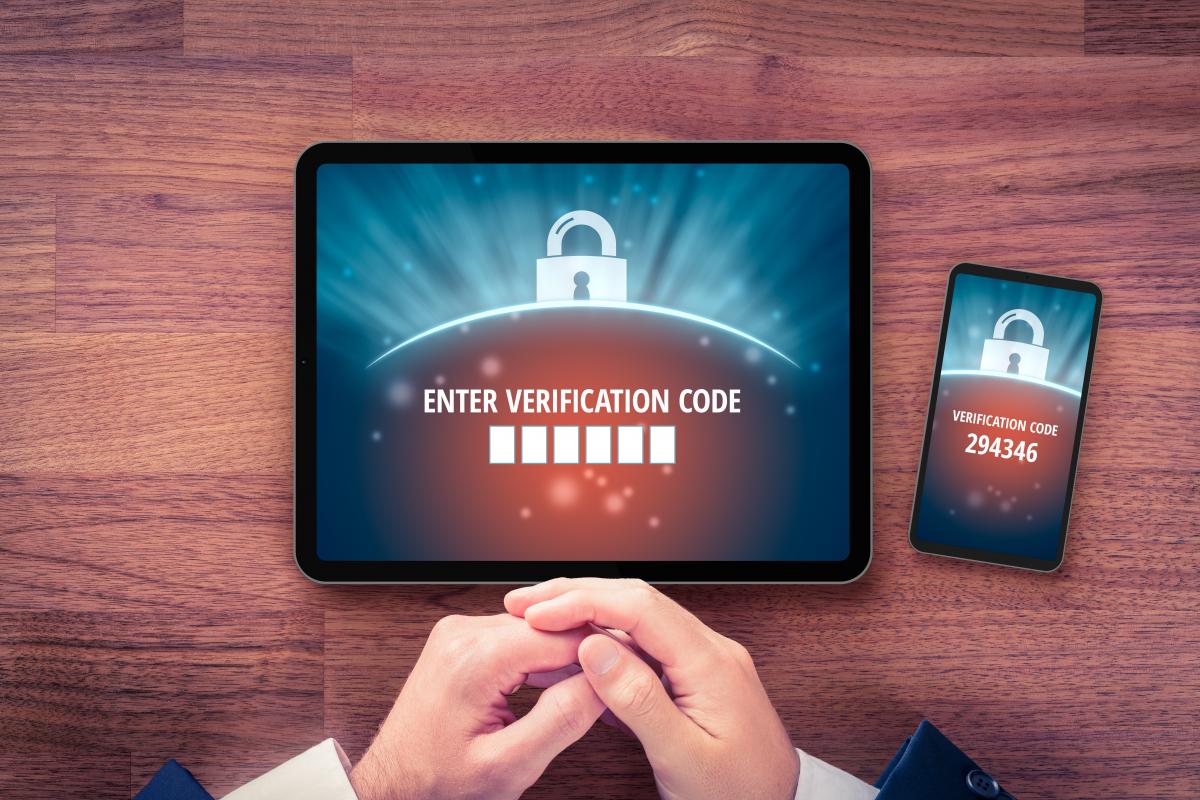
Multi-Factor Authentication Enabled for MyLACERS Portal
We have implemented a two-step verification security feature to enhance the safety of your information in the MyLACERS member portal. This feature has been enabled and you will be asked to verify your account via your choice of a code sent via email, text message, and/or by setting up an Authenticator App. Once your device is verified, you will not need to repeat the verification process unless:
- You log in from an untrusted device;
- A trusted device has expired;
- You require a password reset; or
- You have forgotten your username.
Additionally, it is recommended that you set up more than one MFA method so that if you lose access to one, you can still access your account. To add or edit your MFA methods in your account, click on Account Settings (if using a computer under your name on the top right-hand corner of the screen, if using a mobile device, it is on the bottom of the left side three-line drop-down menu under User), and verify your identity by entering your password. Then, locate the Two-Step Verification Menu and click on Update Two-Step Verification to add, edit, or remove a method.
If you have not yet created your MyLACERS online portal account, there’s never been a better time to get started. Just follow these three steps:
-
STEP 1: Request an
enrollment PIN through the “Enroll Now”
button. For security purposes, your PIN will be mailed.
-
STEP 2: Once you receive your enrollment PIN
in the mail, head to the MyLACERS portal and
click “Enroll
Now.”
- STEP 3: Complete the information on the screen and click “Enroll.”
Visit the MyLACERS Frequently Asked Questions page for more assistance.
If you need additional assistance with creating or signing into your MyLACERS account, please contact us at (800) 779-8328, and a staff member will assist you.